Chrome & Firefox

Temp mail in your browser, one click away

Use the free Temp Bmail extension to create a temporary email, copy it into a sign-up, and check new messages without leaving your browser.
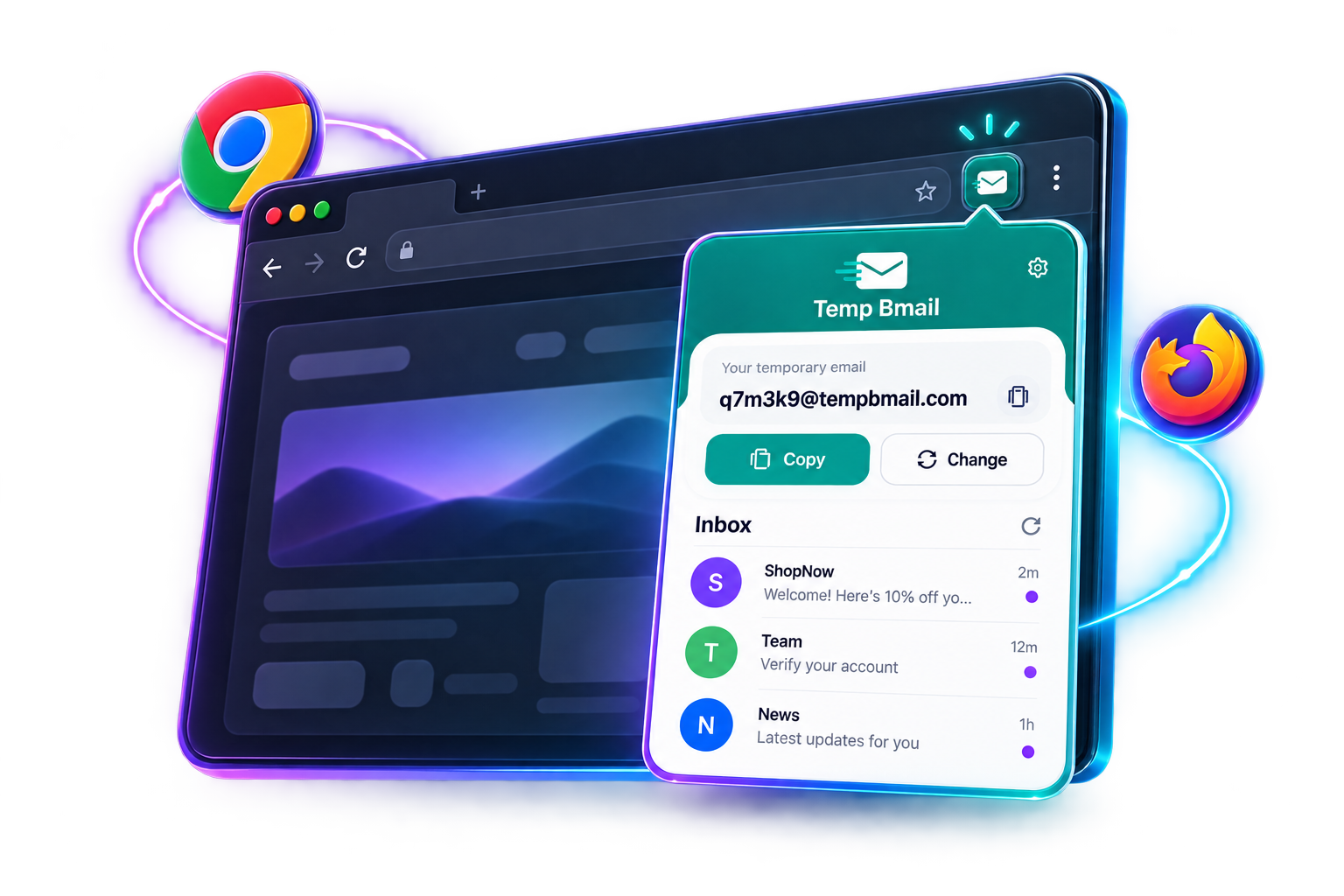
Instant address No account Live inbox
Original Temp Bmail browser extension interface for Chrome and Firefox
Why use the extension?

A temporary email without switching tabs

Temp Bmail puts the essential temp email controls in your toolbar, so a private inbox is ready at the moment a website asks for an address.

Instant temp mail

Open the extension and get a working disposable address without registration.

One-click copying

Copy the address from the popup and paste it directly into the form you are completing.

Inbox updates

See unread mail in the toolbar and open new verification messages from the popup.

Saved history

Return to recent addresses when you need to revisit a temporary inbox.
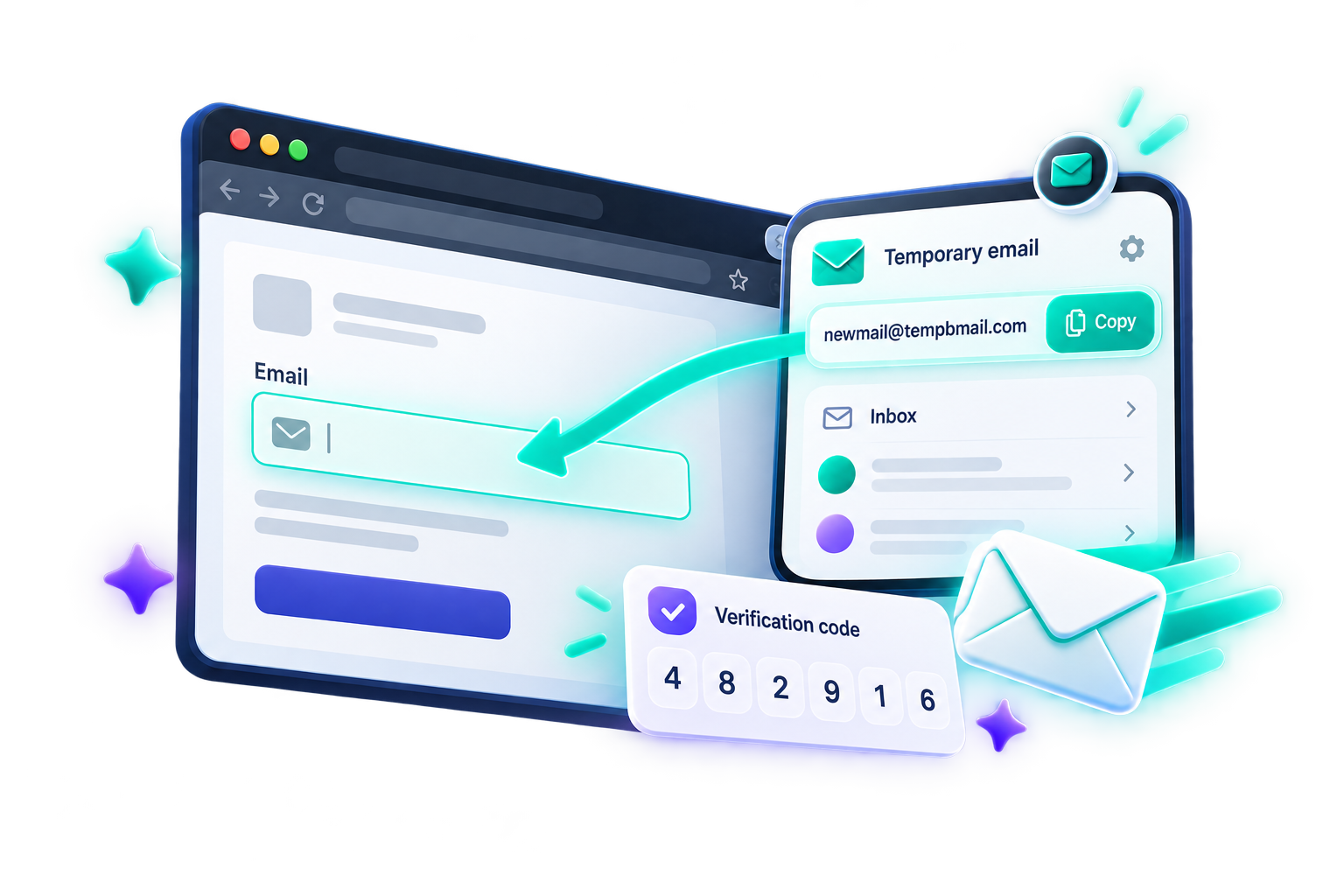
Original illustration showing a temporary email copied from the Temp Bmail extension into a sign-up form
Stay on the page

Copy an address and catch the verification email

Generate a disposable email from the toolbar, paste it into a sign-up form, and watch for the reply. The popup keeps the short workflow close to the page you are using.

  • Copy a temporary address with one click
  • See incoming messages in the extension popup
  • Open a message on Temp Bmail for the full view
Protect your inbox

Keep your personal email away from throwaway sign-ups

Use a Temp Bmail address for trials, downloads, forums, testing, and other short-term registrations. Your primary inbox stays separate from follow-up mail and unwanted newsletters.

  • No Temp Bmail account or password required
  • Change the alias or domain when you need a fresh address
  • Move between saved addresses from History
Original illustration of Temp Bmail shielding a personal inbox from spam and tracking
Choose your browser

Get the Temp Bmail extension

The same simple temporary email workflow is available for Chrome and Firefox.

Google Chrome
For Google Chrome

Temp Bmail Chrome extension

Add a tempmail inbox to your Chrome toolbar and create an address whenever a sign-up asks for one.

Add to Chrome

Mozilla Firefox
For Mozilla Firefox

Temp Bmail Firefox add-on

Bring your temp email inbox into Firefox on desktop or Android and see unread mail from the toolbar.

Add to Firefox
How it works

Three steps to a cleaner sign-up

No account setup, technical knowledge, or separate mail app is required.

1

Install the extension

Choose Chrome or Firefox, install Temp Bmail, and pin it to your browser toolbar.

2

Copy your address

Open the popup and copy the temporary email address generated for your browser session.

3

Read incoming mail

Return to the popup when a message arrives, then open it to view the complete email.

FAQs

Temp mail extension questions

Answers about using a temporary email in Chrome and Firefox.

A temp mail extension generates a disposable email address from your browser toolbar. You can copy the address, use it for a short-term sign-up, and check incoming messages without opening your personal inbox.

Yes. The Temp Bmail extension is free to install from the Chrome Web Store or Firefox Add-ons, and it does not require an account to create a temporary email address.

Yes. Temp Bmail has separate versions for Google Chrome and Mozilla Firefox. The Firefox add-on is also available for Firefox on Android.

Yes. Verification emails and confirmation links can arrive in the temporary inbox. Open the popup to see new mail and select a message for the full view.

Yes. Use the Change control to create a fresh address. You can also change the alias or domain and return to saved addresses from History.

Yes. Temp Bmail is the product name, while people may type tempbmail or temp bmail when searching for the same disposable email service.

Put a private inbox in your browser

Choose your browser and start using Temp Bmail in a few clicks.

Do you accept cookies?

We use cookies to enhance your browsing experience. By using this site, you consent to our cookie policy.

More